 Tutorial
Checking Inventory, Equipped Items, and Warehouse
In the main menu, open “My shop”, then select “Inventory” to see your inventory.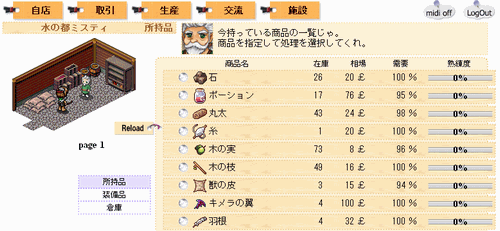 Click an item in the list to view its details.
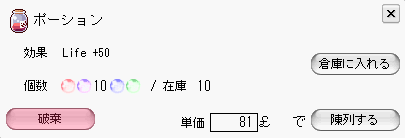
Putting Items on Display
In the details screen above, specify a quantity and press to put the items on display.
Storing Items in the Warehouse
You can also store items in the warehouse from the details screen above.Choose a quantity, then press
 to store the items in the warehouse.
Equipping Items
You can also equip items from the details screen above.“Wooden Staff” or “Cloth Clothes”: if you obtain equipment like these, try equipping it.
Checking the Warehouse and Equipped Items
Click the “Inventory”, “Equipped items”, or “Warehouse” tab on the leftto switch to the corresponding screen.
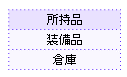 ← They look like this.
The following pages explain production.